
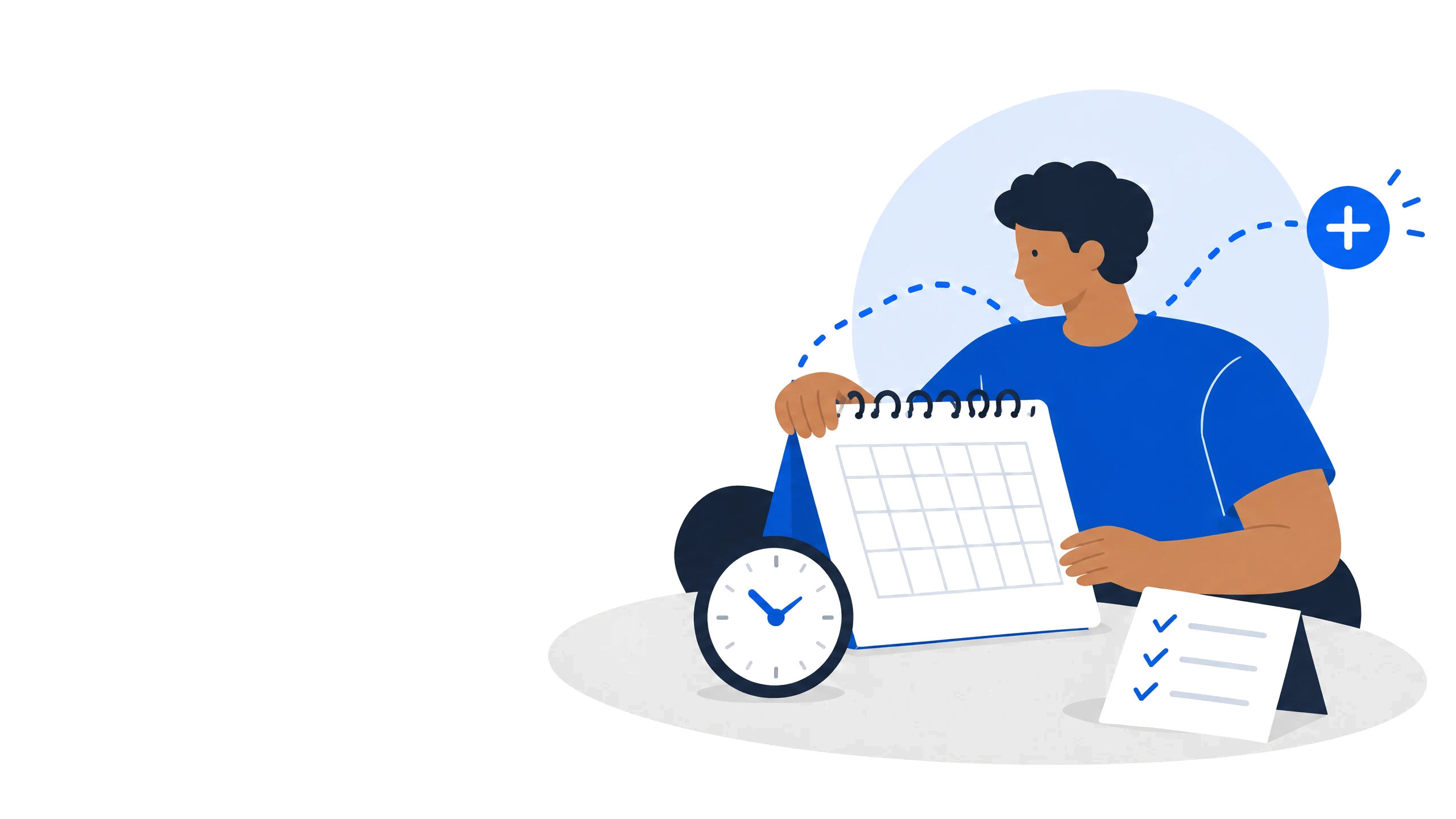
How to proceed
- 1Open Calendar or Reminders and create an appointment, task, or payment reminder.
- 2Add a clear title, date, and if useful a time, recurrence, amount, and note.
- 3Check that the item is linked to the right person or bill. When importing a document, confirm every suggestion deliberately.
- 4Use the coloured summary cards or the filter beside search to show all items, overdue items, bills, reminders, or appointments.
- 5Mark tasks complete only after completion and update appointments when your real plan changes. Open an appointment, task, or payment-reminder card on the dashboard or calendar to edit that record directly.
Important
Notifications require a browser or device permission. Check the setting if a reminder does not appear.