
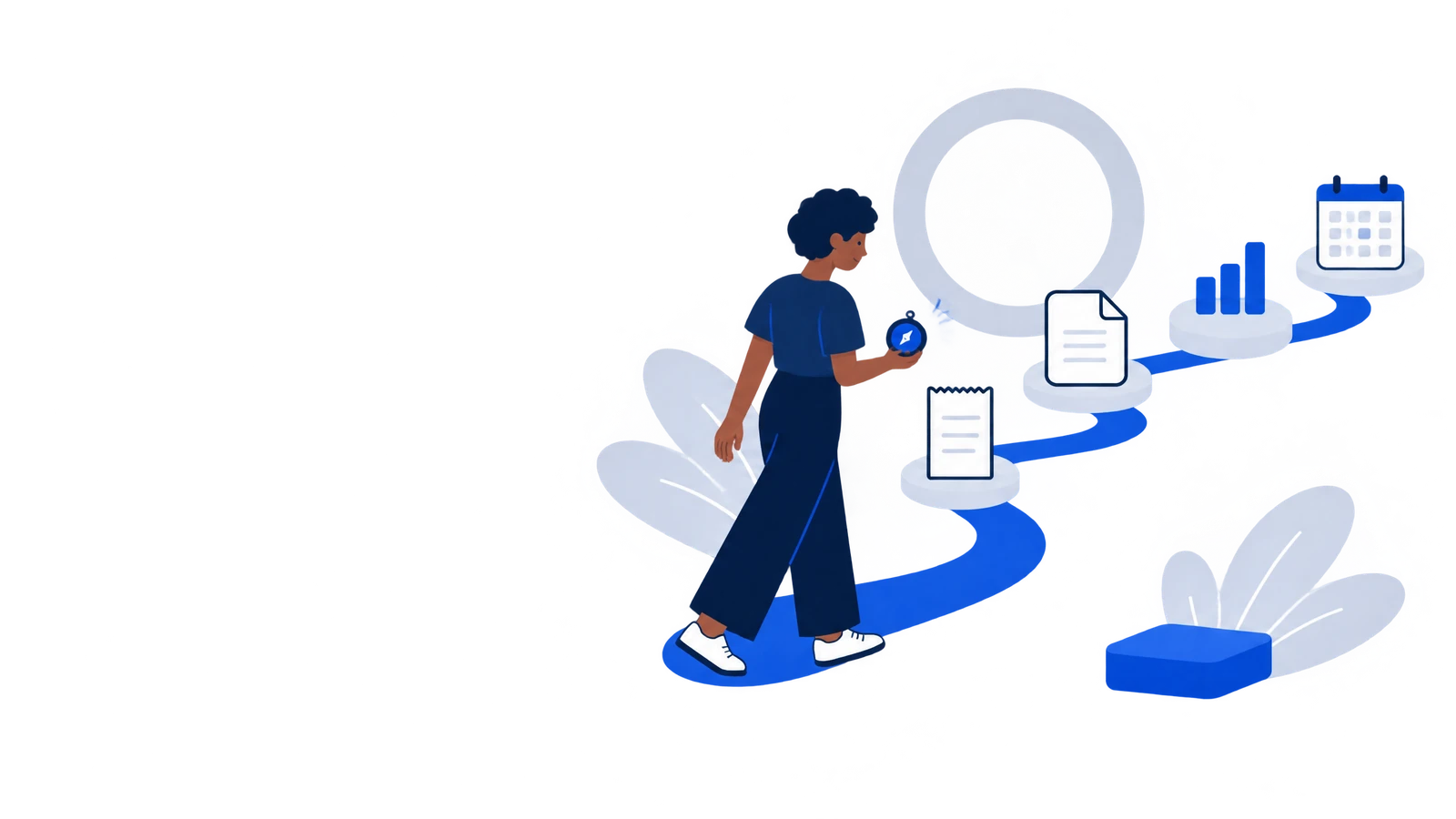
How to proceed
- 1Register and complete the guided setup with the information you already know.
- 2Open the dashboard to see open bills, upcoming appointments, reminders, and quick actions in one place.
- 3Start with one area such as a bill, appointment, or expense. You can add more details later.
- 4Check the status on every card. NEXO makes the next task visible but does not replace your own review of amounts, deadlines, or content.
Important
The dashboard only shows data from your signed-in account. It does not make silent changes to records or payments.